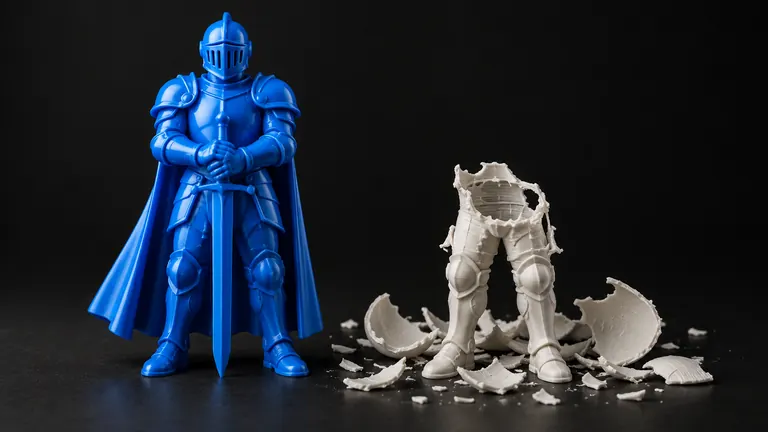
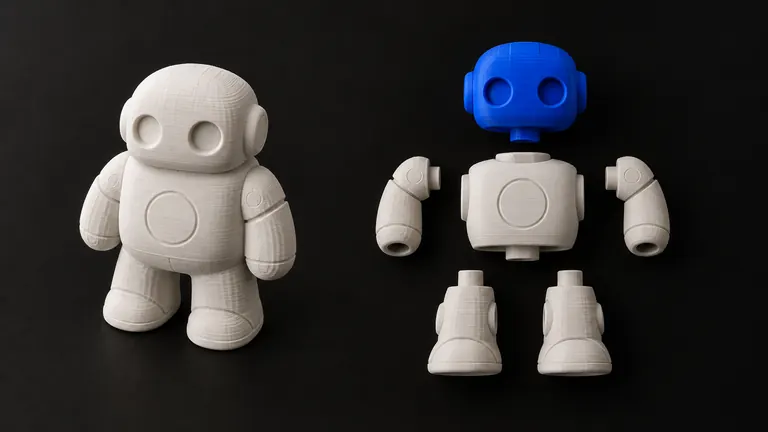
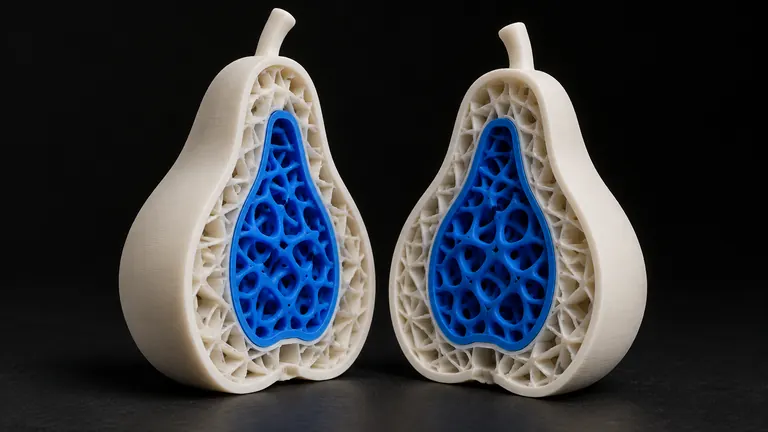
Every guide about 3D printing failures eventually says "the mesh must be watertight" and moves on, as if that explained itself. Here's the actual definition, why slicers refuse to work without it, and three ways to check any file in under a minute.
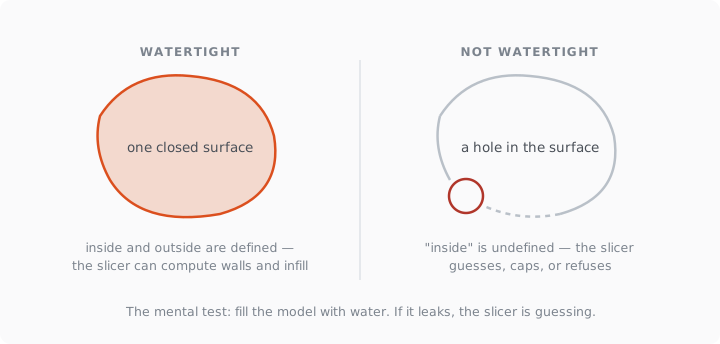
Short version: watertight means the surface is fully closed — no holes, no gaps, every edge shared by exactly two faces — so the slicer can tell inside from outside. If the mesh would hold water, it can hold plastic.
Why does the slicer care?
A slicer doesn't print surfaces. It cuts the model into horizontal layers and, for each layer, decides which regions are inside the part (walls, infill, solid material) and which are outside (air). That decision needs an unambiguous boundary. A closed surface gives one: cross the surface, and you've moved between inside and outside. A surface with a hole gives none: follow a path through the hole, and you reach "the inside" without ever crossing a boundary. At that point the slicer guesses, and the guess shows up as missing walls, phantom infill, or a flat cap where your geometry used to be.
The formal term is a manifold, closed mesh. Watertight is the plumber's version of the same idea, and the mental test really works: imagine filling the model with water and watch where it leaks.
Watertight and manifold: the same thing?
Close relatives, not twins. Watertight means no holes. Manifold additionally means no impossible geometry: no edge shared by three faces, no two cubes glued along a single edge, no surface passing through itself. A mesh can be hole-free and still non-manifold. Slicers want both, which is why Bambu Studio reports them as separate counters — the "Error: N non-manifold edges" and "Info: N open edges" messages map exactly onto this distinction.
What about models that need holes, like a mug?
A mug is still watertight. The through-hole in the handle and the cavity you drink from are formed by the surface itself, which remains fully closed: thick handle walls wrap around the opening, the cavity has a floor and sides. Watertight doesn't mean "no openings in the shape"; it means "no tears in the skin". This matters when repairing: a good repair closes tears and preserves designed openings, a crude one fills your mug solid. That difference is most of what separates repair tools →.
How do I check a model? Three ways
The slicer itself. Drop the file into Bambu Studio, Orca, PrusaSlicer or Cura and read the import warnings. Zero complaints and a normal-looking slice preview is a pass for most purposes.
Blender's 3D Print Toolbox. Run Check All on the mesh: it counts non-manifold edges, intersections and zero-area faces, and highlights each on the model, so you see where the problems live, not just how many there are.
A repair service's report. Any serious repair pipeline states whether the output is watertight. PHORM prints the verdict on every generation and repair: watertight or not, manifold check passed or not, before you download. You can run any STL through it free →
Where leaky meshes come from
Three usual suspects. Scans and photogrammetry leave holes where the camera never saw the surface, usually undersides. AI generators produce open geometry for the same reason plus their own reconstruction artifacts; the complete failure catalog is in why AI models fail to print →. And sculpting tools export single-sided surfaces (a cape, a leaf, a shirt) that have zero thickness and therefore can't be closed at all without adding volume.
How do I make a mesh watertight?
Small holes: any auto-repair closes them — slicer built-ins, Blender's Make Manifold, online tools. Large missing regions: no tool can invent the surface it can't see, so you're sculpting the patch by hand or regenerating from better input. Zero-thickness surfaces: add volume first (Blender's Solidify), then close. The tool-by-tool comparison, with what each one is actually good at, is here: free STL repair tools, compared →