Guides to printing what you generate
I run PHORM and print on a stock Bambu P1S. Everything here started with a model that failed on my plate: what the slicer warning meant, what fixed it, and what was worth printing at all. Numbers where I have them, failures included.
 Why it won't print
What "Watertight" Actually Means in 3D Printing (And How to Check a Model)
Watertight means a fully closed surface the slicer can fill. What that means in practice, three one-minute checks, and how to close a mesh that leaks.
 Why it won't print
Why AI-Generated 3D Models Fail to Print (And How to Fix Every Error)
AI-generated 3D models look perfect on screen and fail in the slicer. The 6 mesh errors behind it, the manual fix for each, and how to skip the repair entirely.
 Why it won't print
STL vs 3MF: What Actually Changes When You Print
STL stores bare triangles with no units; 3MF adds units, colors and even full print settings. What that changes in practice and when each format wins.
 Why it won't print
The Slicer Sliced Your Broken Model Without a Word. Here's What It Changed.
A slicer never refuses a broken mesh: it patches it on import and prints something. What 'errors repaired' covers, what changed, and how to see it.
 Why it won't print
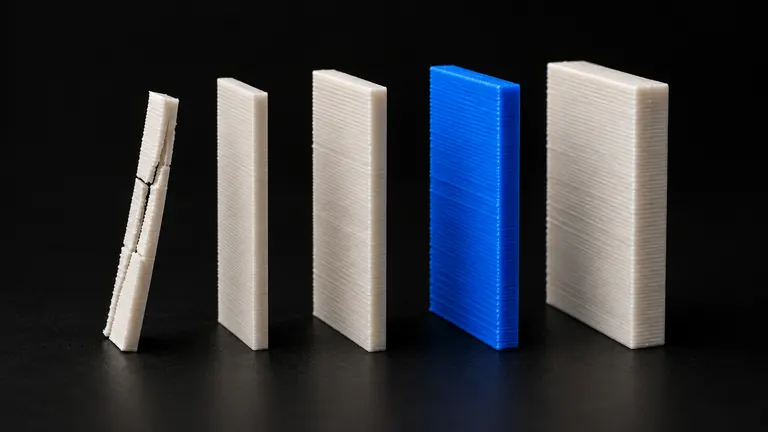
Minimum Wall Thickness for FDM Printing: The Numbers That Actually Hold
For a 0.4 mm nozzle, 0.8 mm is the floor and 1.2 mm the working minimum. The full table by wall count, and how to catch thin walls before printing.
Why it won't print
Slicer warnings decoded one error at a time, with the fix for each and the cases where the fix makes things worse.
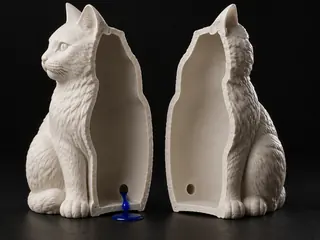
How to Hollow a 3D Model for Printing (And When You Shouldn't)
When hollowing saves material and when it ruins the print: FDM infill vs true hollowing, resin drain holes, shell wall thickness, and free tools.
4 min read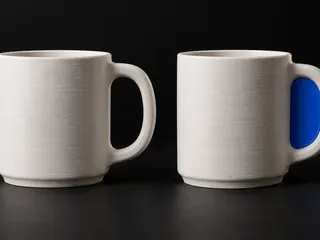
What Automatic Mesh Repair Actually Does (And When It Eats Your Model)
Auto-repair fixes meshes by deleting what it can't classify. How the algorithms work, when they eat geometry, and the 30-second check that protects your model.
4 min read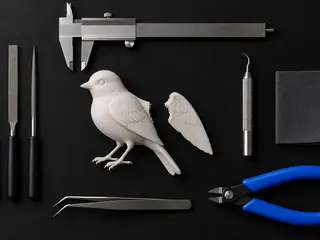
Best Free STL Repair Tools in 2026, Actually Compared
Which free STL repair tools still work in 2026: what's discontinued, what's Windows-only, what runs in a browser, and which to use for each kind of damage.
4 min read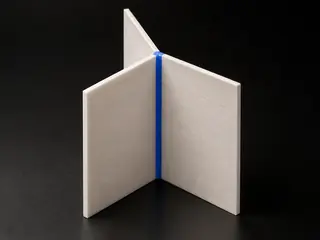
Bambu Studio "Non-Manifold Edges" Error: What It Actually Means and 6 Ways to Fix It
How many non-manifold edges are safe to print, what the Bambu Studio warning means, and 6 fixes that work on Mac and Windows.
5 min read
Every Bambu Studio Mesh Warning, Explained (And How to Clear Each One)
Non-manifold edges, open edges, empty layers, boundary errors — what each Bambu Studio warning means, what triggers it, and the fastest fix for each.
4 min read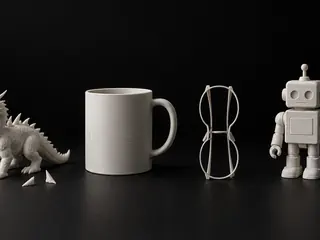
We Put 20 AI-Generated Models Through a Print Check. 9 Failed, and the Failures Had Fingerprints.
Four photos, five image-to-3D models, twenty raw meshes, one strict slicer check: 45% failed, each generator in its own recognizable way. The numbers.
6 min read
From photo to part
Reproducing real objects: photo technique, scale calibration, materials, and which parts are worth the filament.
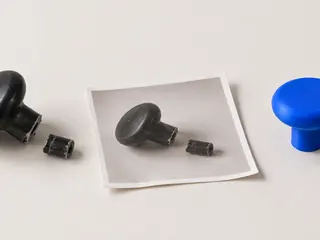
How to Turn a Photo Into a 3D-Printed Part: The Complete 2026 Workflow
Three real routes from a photo to a printed part — photogrammetry, AI image-to-3D, and CAD — with honest accuracy expectations, photo technique and calibration.
5 min read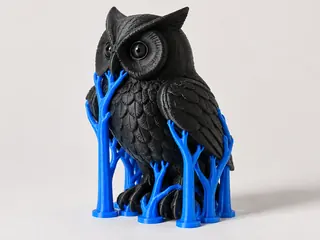
Tree Supports for Organic Models: When They Win and How to Set Them
Organic and AI-generated models are where tree supports shine: fewer scars, easier removal, less filament. When each type wins and the settings that matter.
4 min read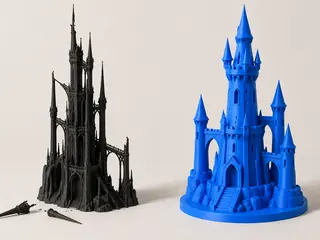
Text-to-3D Prompts That Produce Printable Models (Not Just Pretty Ones)
Generators optimize for looks; printers need geometry. How to word text-to-3D prompts for parts that stand and print: patterns to copy, traps to skip.
3 min read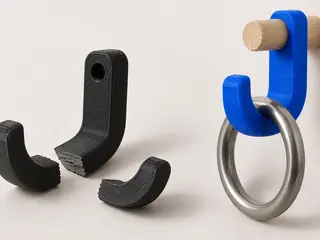
Print Orientation and Part Strength: Which Way Up Decides Whether It Breaks
FDM parts are weakest between layers, measured at a third to two-thirds of in-plane strength. How to orient parts so the load runs along the layers.
4 min read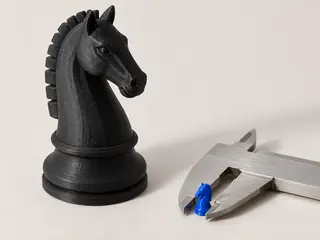
How to Scale an STL to Exact Dimensions (And Why Prints Come Out the Wrong Size)
STL files carry no units, so wrong-size prints are routine. The one-measurement calibration ritual, exact steps per slicer, and the 25.4 inch trap.
3 min read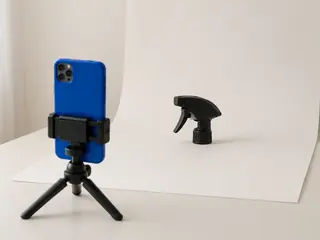
How to Photograph an Object for 3D Reconstruction (The Minute That Decides the Model)
Image-to-3D rebuilds what the photo shows and invents the rest. Six rules for angle, light and background that separate a printable model from a guess.
4 min read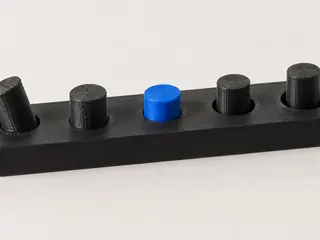
Tolerances and Clearances for 3D-Printed Parts That Fit
Press, sliding and loose fit clearances in mm for FDM prints, why printed holes come out small, and a 10-minute test print to calibrate your printer.
3 min read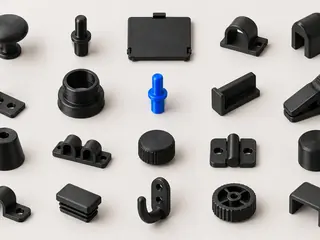
30 Household Parts You Can 3D Print Instead of Rebuying (With Materials That Actually Survive)
30 household parts worth printing instead of rebuying, the filament each one needs, what is safe to print and what isn't, and what to do with no file.
5 min read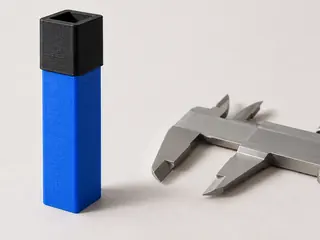
PLA vs PETG vs ABS Shrinkage: Printing Parts That Actually Fit
Printed parts measure smaller than the model because plastic shrinks as it cools. The sourced numbers per material, what they do to fits, and how to compensate.
3 min read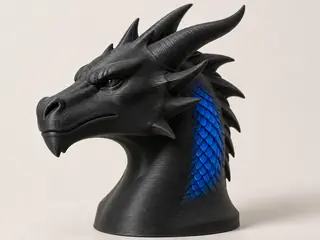
Why the Print Came Out Smoother Than the Preview: Detail That Only Lived in the Texture
The scales and engraving in the preview were a painted texture, not shape. Three reasons detail vanishes on the way to the nozzle, and the 30-second check.
5 min read
Selling and sharing
Licenses, platform rules, and what you may legally do with a model a machine helped you make.

Where You Can (and Can't) Upload AI-Generated Models in 2026
Thingiverse bans AI uploads, MakerWorld requires labels and real print photos, Printables lets viewers filter. The rules per platform, checked September 2026.
4 min read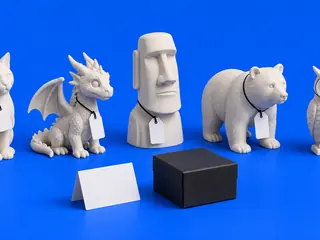
Selling Prints of AI-Generated Models: The Licenses in Plain Language
Meshy free means CC BY with credit, Tripo free means non-commercial, and every generator differs. What each license lets you sell, checked September 2026.
4 min read
Moving parts
Cutting a model into pieces that snap, hinge and pose: where the seam goes, how a joint survives a real printer, and why scaling breaks it.

Where to Cut a 3D Model So the Seam Disappears
A cut on a bulge reads as a crack; the same cut in a crease reads as a joint. The rule behind it, the neck test, parting lines and the V-groove fallback.
6 min read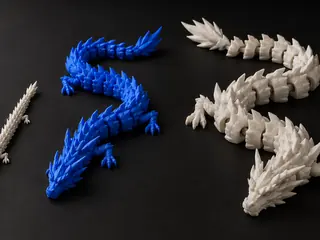
Why Scaling an Articulated Dragon Fuses or Loosens Every Joint
Joint clearance is absolute millimeters, so scaling scales the gap: at 50% segments fuse, at 200% they flop. The arithmetic, slicer levers and the fix.
5 min read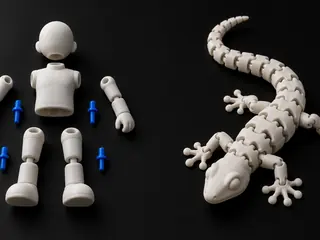
Print-in-Place or Snap-Together? Decide by Layer Direction, Not Convenience
Print-in-place forces every joint into one orientation; separate parts let each joint choose. Where the gap faces, where the flex runs, and the rule.
5 min read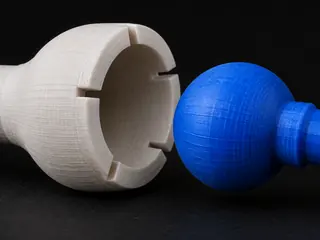
Ball Joints That Actually Snap: Sizes, Socket Walls, and Why Friction Fades
Below 5 mm a printed ball never snaps in; above it the socket wall decides. Sizes, the 1.0–1.8 mm wall window, why friction joints sag, and a test print.
7 min read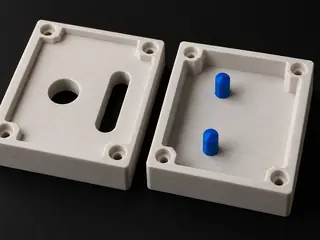
Alignment Pins for Split Prints: One Round Pin, One Slot, Never Two Round Pins
Two round pins in two round holes jam or wobble on every printer. The pin-and-slot rule, pin sizes, chamfers, crush ribs, keying and slicer connectors.
6 min read
No articles match.
Try it on your own idea
2 free models to start · no card needed. No 3D modeling skills required.