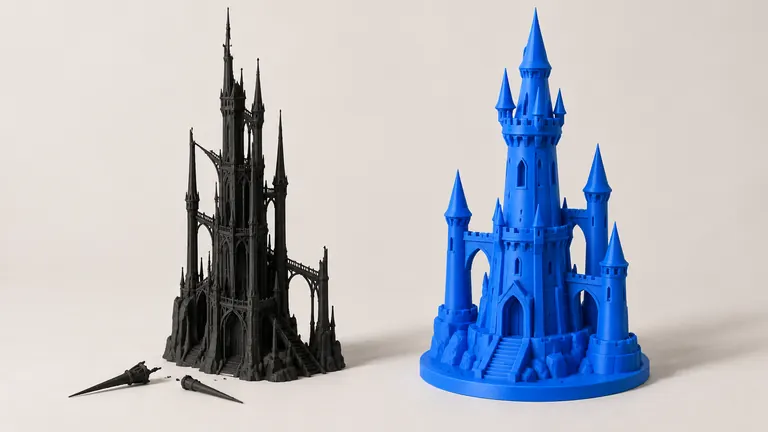
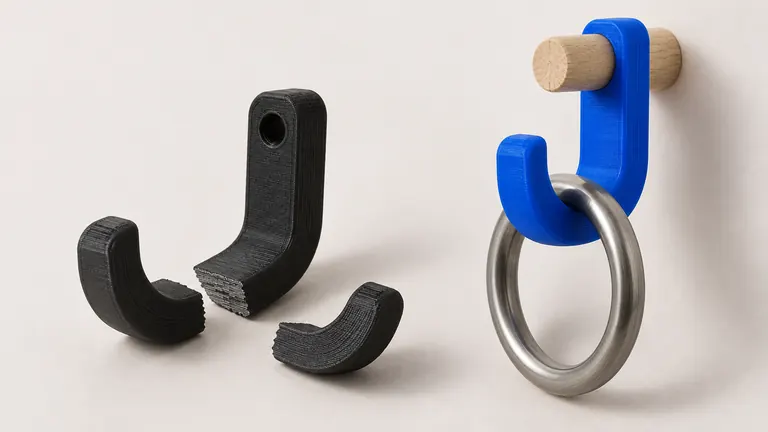
Support material is the tax you pay for overhangs, and organic shapes — figures, animals, anything that came out of a photo or a prompt — are taxed hardest. The choice between grid supports and tree supports decides how much of your evening goes to picking plastic out of crevices.
Short version: for organic models, use tree supports; they touch the surface in small spots, snap away cleaner, and use less filament. Keep normal grid supports for big flat overhangs, where trees have nothing good to hold on to.
Why trees fit organic shapes
Grid supports build a scaffold straight down from every overhang, and on an organic model that means walls of support wrapped around limbs, filling gaps between an arm and a body, fused into every concave fold. Tree supports grow branches that lean and curve to reach only the spots that need holding, touching the model at small contact points. Three consequences: contact scars shrink from patches to dots, removal becomes snapping twigs instead of excavating a fence, and filament spent on support drops, often by half on figure-like geometry.
The reverse case is just as clear. A broad flat ceiling (the underside of a bridge, a box's roof printed flat) wants uniform support density under the whole span; trees converging under a plane give a wavy first surface. Grid wins there, and hybrid setups (trees globally, a manual support blocker plus grid where flat) are legitimate.
Settings that matter, slicer by slicer
All the mainstream slicers ship tree supports now: Bambu Studio and Orca offer tree variants alongside normal, Cura has had trees for years, PrusaSlicer added organic supports in the same family. Names differ, physics doesn't. Four settings carry most of the result:
Top Z distance (the air gap between support tip and model): the scar dial. Around 0.2 mm for a 0.2 mm layer height is the usual default; smaller grips better and scars more.
Branch angle: how far trees may lean. Steeper angles reach under far overhangs but grow wobblier; 40–45° is a sane ceiling.
Contact points / tip diameter: smaller tips, prettier surface, weaker hold. Heavy overhanging masses (an outstretched arm holding something) deserve thicker tips or a manual reinforcement.
Support threshold angle: which overhangs get supported at all. 50–55° suits most organic prints; healthy printers bridge short spans and handle 45–50° overhangs unsupported, and every degree you can leave unsupported is surface quality gained.
One more lever outranks all four: rotation. Tilting a figure a few degrees, or laying a hook flat, removes entire support forests — and orientation is usually decided by strength first anyway, per the layer-direction rule →.
The organic-model workflow
Generated models are the poster child for this whole topic: poses and overhangs nobody engineered, on geometry nobody optimized. The order that works: repair first (supports on broken meshes produce surprises — the failure catalog →), orient for strength and minimal overhang, enable trees, slice, then scroll the preview specifically looking at support contact areas on visible surfaces. If a branch lands on a face or a detailed front, a support blocker moves it around back in ten seconds.
Bambu-printer owners get a shortcut in PHORM's export: the Bambu 3MF ships as a project with supports configured for the model's geometry, so the first slice is a review rather than a setup session. If you rotate or scale afterward, regenerate supports and re-review; try it free →, and the tip cost of trees means experiments are cheap in plastic too.
Removal, the part everyone skips writing about
Let the print cool fully first; warm PLA stretches instead of snapping. Twist branches sideways rather than pulling straight out. Keep flush cutters at the trunk for anything near thin features — the same thin features that have a wall-thickness floor → also have a breaking-strength floor, and levering a stubborn trunk against a 1 mm ankle ends predictably. Contact dots on visible surfaces disappear with one pass of 220-grit.