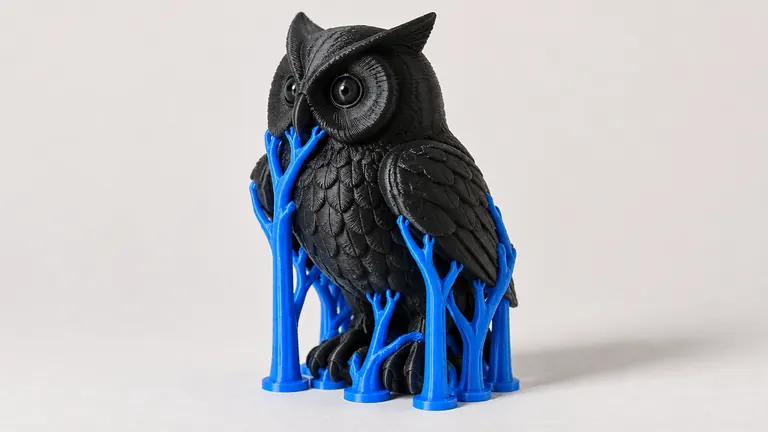
Ask a text-to-3D generator for "a dragon" and you'll get a dragon: wings spread, tail in the air, balanced on one claw, magnificent and unprintable. The generator answered the question you asked. Printability was never in the question.
Short version: describe the object as a physical thing, not a picture. Name a flat base, thick features and a solid pose in the prompt itself, keep it to one object, and treat the first generation as a draft you refine with one or two re-prompts.
Why wording changes the geometry
Text-to-3D learns from renders and art, where floating capes and needle spires cost nothing. Words in your prompt steer which part of that learned space you land in: "figurine on a round base" pulls toward objects that were modeled to stand; "flying, dynamic pose, outstretched" pulls toward objects that were modeled to look dramatic. You're not instructing an engineer, you're picking a neighborhood. Pick the neighborhood where things stand on tables.
Patterns that work
Name the base. "…standing on a thick round base", "…with a flat bottom". A base solves balance, bed adhesion and fragile ankles in four words, and generators handle bases well because sculpts and figurines taught them to.
Ask for the sturdy version. "chunky", "thick walls", "solid", "stylized low-poly" all bias toward printable mass. "Delicate", "intricate", "thin", "wire" all bias toward geometry below the wall thickness floor →.
Pose for gravity. "sitting", "curled up", "arms at sides", "leaning against a rock" beat "leaping", "flying", "mid-stride". Every airborne limb is a support headache and a snap point; where the strength goes is a layer-direction question →.
One object, plain words. Generators fuse scenes into one mesh. "A fox" is a fox; "a fox in a forest clearing at sunset" is a fox welded to a diorama. Keep scene-setting out unless you want the scene printed.
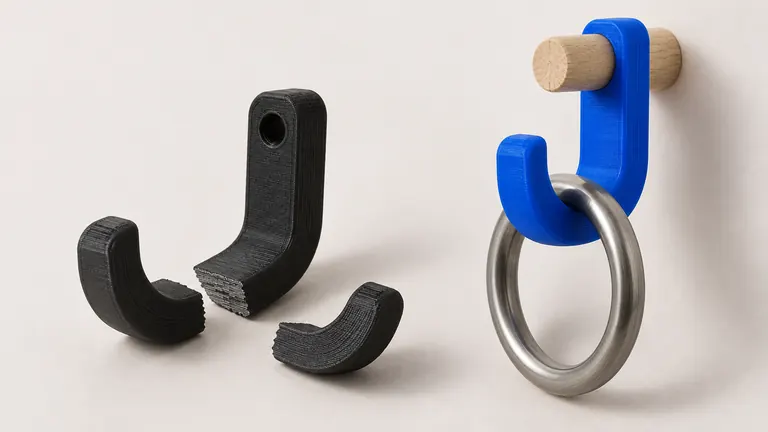
Say what it's for, cautiously. Function words ("pen holder", "wall hook", "phone stand") set overall form, and current generators take them as style advice as much as engineering: expect the shape of a pen holder, verify the cavity and the flat back yourself. Functional parts with real fit requirements remain better served by the photo route with calibration → or by CAD.
A worked example. Weak: "an elegant elven tower". Strong: "a stylized fantasy tower figurine, thick walls, wide flat base, solid conical roof, no thin spires". Same subject, different neighborhood, and only one of them slices without a repair session.
Iterate like it's free, because it should be
The first generation is reconnaissance. Look at it as a printer, not a critic: does it stand, what's thin, what floats. Then re-prompt with corrections: "…thicker tail connected to the base", "…without the floating ribbon". Two or three rounds usually converge. This loop is why per-generation economics matter; on PHORM a generation that fails the printability check doesn't count against you, which makes the loop honestly free during iteration — describe your object and try the loop.
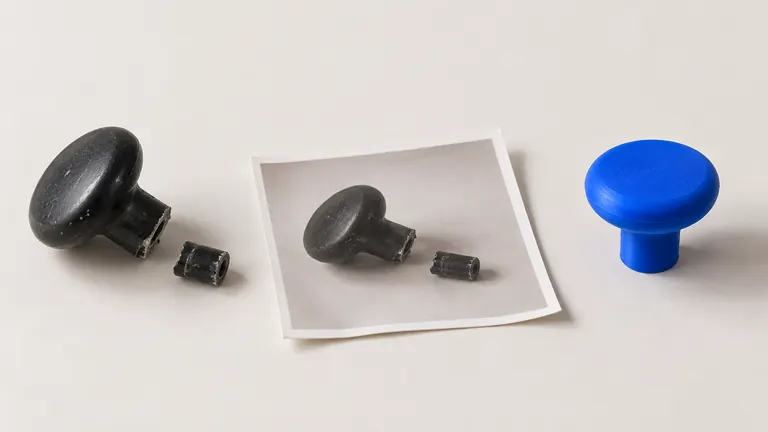
Whatever comes out still goes through the standard checks: the mesh realities of generated geometry are the same for text as for photos, and the six failure modes → don't read prompts. A pipeline with built-in repair turns most of them into non-events; scale stays your job — text carries even less size information than a photo →.